Last Updated: February 5, 2026
1. Acceptance of Terms
By accessing and using the PintPod website (pintpod.co.uk) and any associated services (collectively, the "Site"), you agree to be bound by these Terms of Use and our Privacy Policy. If you do not agree to these terms, please do not use the Site.
PintPod Limited ("PintPod", "we", "us", "our") reserves the right to modify these terms at any time. Continued use of the Site after changes constitutes acceptance of the updated terms.
2. Permitted Use
You may use the Site for lawful purposes only, including:
- Browsing product information about PintPod self-service drinks kiosk systems
- Submitting enquiries via our contact form
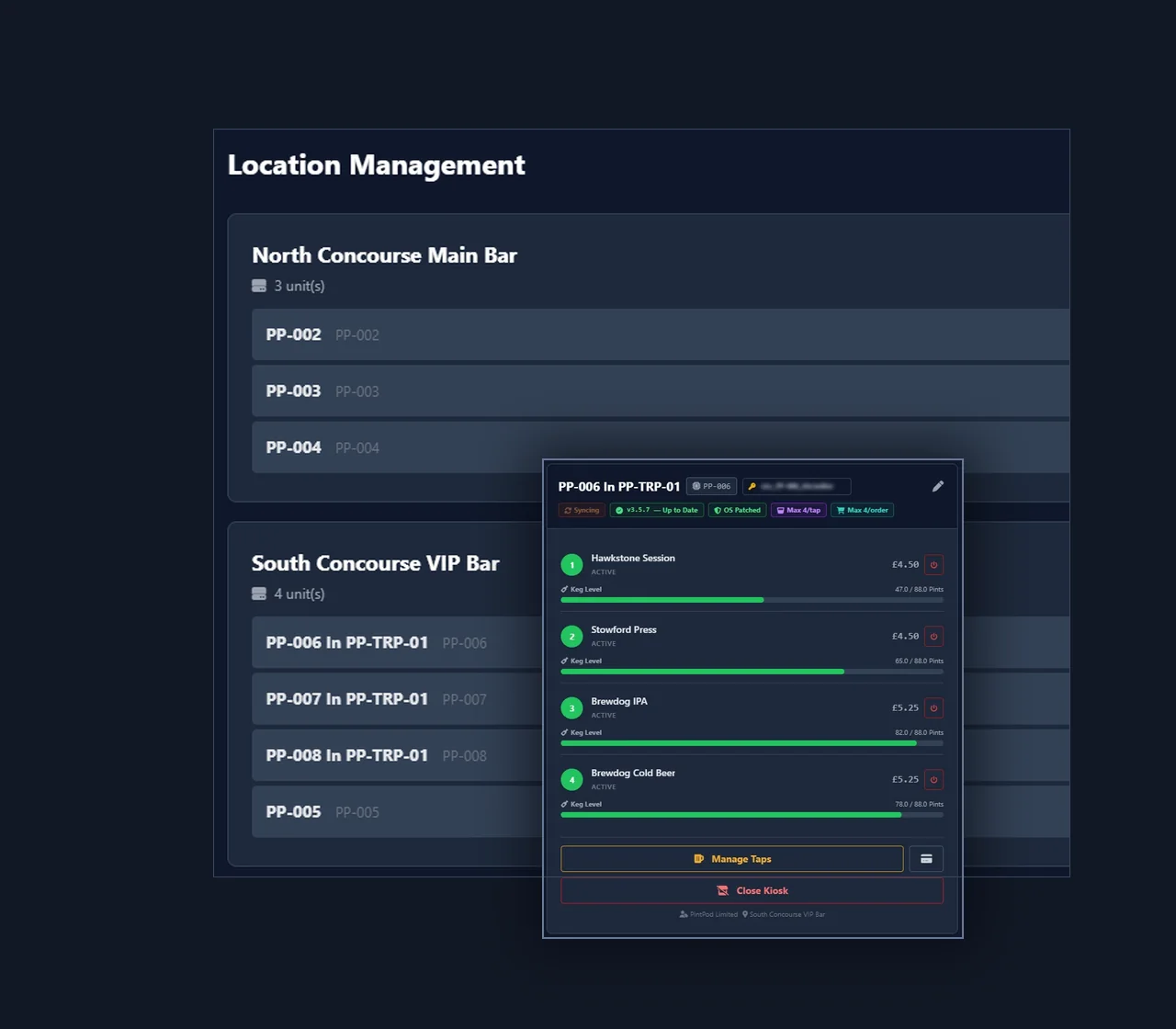
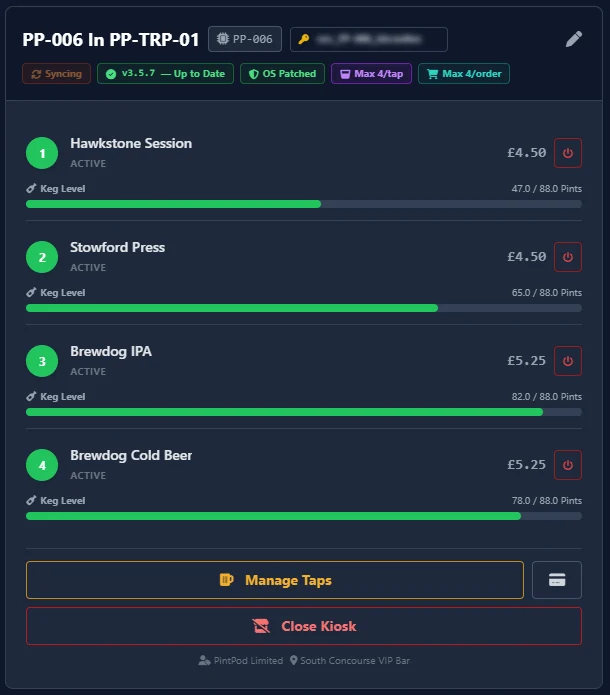
- Learning about the Tap Command management platform
You agree not to use the Site to:
- Violate any applicable laws or regulations
- Transmit malicious code, viruses, or harmful software
- Attempt unauthorized access to our systems or networks
- Harvest data, scrape content, or use automated tools without permission
- Impersonate PintPod or any other entity
- Submit false, misleading, or fraudulent information
3. Intellectual Property
All content on the Site, including text, graphics, logos, images, videos, software, and design elements, is the property of PintPod Limited or its licensors and is protected by UK and international copyright, trademark, and intellectual property laws.
The PintPod name, logo, and all related product names are registered trademarks of PintPod Limited. You may not use these trademarks without our prior written consent.
You may view and download content for personal, non-commercial use only. Any reproduction, distribution, modification, or commercial use requires express written permission from PintPod.
4. User-Generated Content
By submitting enquiries, messages, or other content through our contact form, you grant PintPod a non-exclusive, royalty-free, worldwide licence to use, reproduce, and display such content for business purposes (e.g., responding to your enquiry, improving our services).
You represent and warrant that any content you submit:
- Is accurate and truthful
- Does not infringe any third-party rights
- Does not contain defamatory, obscene, or unlawful material
5. Third-Party Links & Services
The Site may contain links to third-party websites or services, including:
- Tap Command (tapcommand.co.uk) – our client dashboard platform
- Google Analytics – analytics provider
- Resend – email delivery for form submissions
- Cloudflare Turnstile – form spam protection
PintPod is not responsible for the content, privacy practices, or terms of use of third-party websites. Use of third-party services is at your own risk.
6. Product Information & Pricing
We strive to provide accurate product descriptions, specifications, and pricing information. However, PintPod does not warrant that product descriptions, images, or other content on the Site is accurate, complete, or error-free.
All product information is subject to change without notice. Pricing displayed on the Site is indicative and may vary based on venue requirements, customisation, and other factors. Final pricing is provided via quotation after consultation.
7. No Warranties & Disclaimer
The Site is provided "as is" and "as available" without warranties of any kind, either express or implied, including but not limited to:
- Merchantability or fitness for a particular purpose
- Accuracy, reliability, or completeness of content
- Uninterrupted or error-free operation
- Security or freedom from viruses
PintPod does not guarantee that the Site will meet your requirements or that defects will be corrected.
8. Limitation of Liability
To the maximum extent permitted by law, PintPod Limited, its directors, employees, and affiliates shall not be liable for any indirect, incidental, consequential, or punitive damages arising from:
- Use or inability to use the Site
- Errors, omissions, or inaccuracies in content
- Unauthorized access to your data
- Third-party conduct or content
Our total liability for any claim arising from use of the Site shall not exceed £100 (one hundred pounds sterling).
Nothing in these terms excludes or limits liability for death or personal injury caused by negligence, fraud, or any liability that cannot be excluded by UK law.
9. Indemnification
You agree to indemnify, defend, and hold harmless PintPod Limited from any claims, damages, losses, liabilities, and expenses (including legal fees) arising from:
- Your use of the Site
- Your violation of these Terms of Use
- Your infringement of any third-party rights
10. Termination
PintPod reserves the right to suspend or terminate your access to the Site at any time, without notice, for conduct that we believe violates these Terms of Use or is harmful to PintPod, other users, or third parties.
11. Governing Law & Dispute Resolution
These Terms of Use are governed by the laws of England and Wales. Any disputes arising from your use of the Site shall be subject to the exclusive jurisdiction of the courts of England and Wales.
For informal resolution, please contact us at hello@pintpod.co.uk before initiating legal proceedings.
12. Severability
If any provision of these Terms of Use is found to be invalid or unenforceable, the remaining provisions shall remain in full force and effect.
13. Entire Agreement
These Terms of Use, together with our Privacy Policy, constitute the entire agreement between you and PintPod regarding use of the Site and supersede any prior agreements.
14. Contact Information
For questions about these Terms of Use, please contact us:
Email: hello@pintpod.co.uk
Support: support@pintpod.co.uk
Company: PintPod Limited, United Kingdom